The short answer
Group texts are free and fine for one band with steady players. Spreadsheets add a record of who played and who's owed, but you still do all the asking. A band scheduling app sends the requests, sets reply deadlines, moves to the next sub automatically and keeps the music and pay on the gig. It's worth paying for once you use subs or play several gigs a month.
Side-by-side comparison
| Group text | Spreadsheet | Band scheduling app | |
|---|---|---|---|
| Asking players | One message, answers get buried | You still text everyone | One request per seat, sent for you |
| Reply deadlines | None | None | Built in |
| Next sub when someone says no | You scroll and remember | You check the sheet and text again | Asked automatically, in your order |
| Last-minute subs | Messy group blast | Manual | Sent to all available subs, first yes wins |
| Gig details and set lists | Spread across threads | Linked, if you remember | On the gig, for every player |
| Player pay | Not tracked | Tracked by hand | Tracked per gig |
| Cost | Free | Free | Monthly fee |
When each one makes sense
Group text is fine for one band with the same four players and a gig or two a month.
A spreadsheet helps once you need a record of who played and who's owed, but you still do all the asking.
A band scheduling app pays off once you use subs, play several gigs a month or run more than one act. That's when the asking, following up and finding the next sub take up real hours every week.
What to look for in a band scheduling app
- Ranked rosters per instrument.
- Requests with reply deadlines.
- Automatic requests to the next sub, and a way to send last-minute seats to everyone.
- Blackout dates players manage themselves.
- Set lists and music attached to the gig.
- Player pay tracked per gig.
- Free for the musicians you hire, so they actually use it.
Each of these is covered in the band scheduling guide.
How BookLive helps
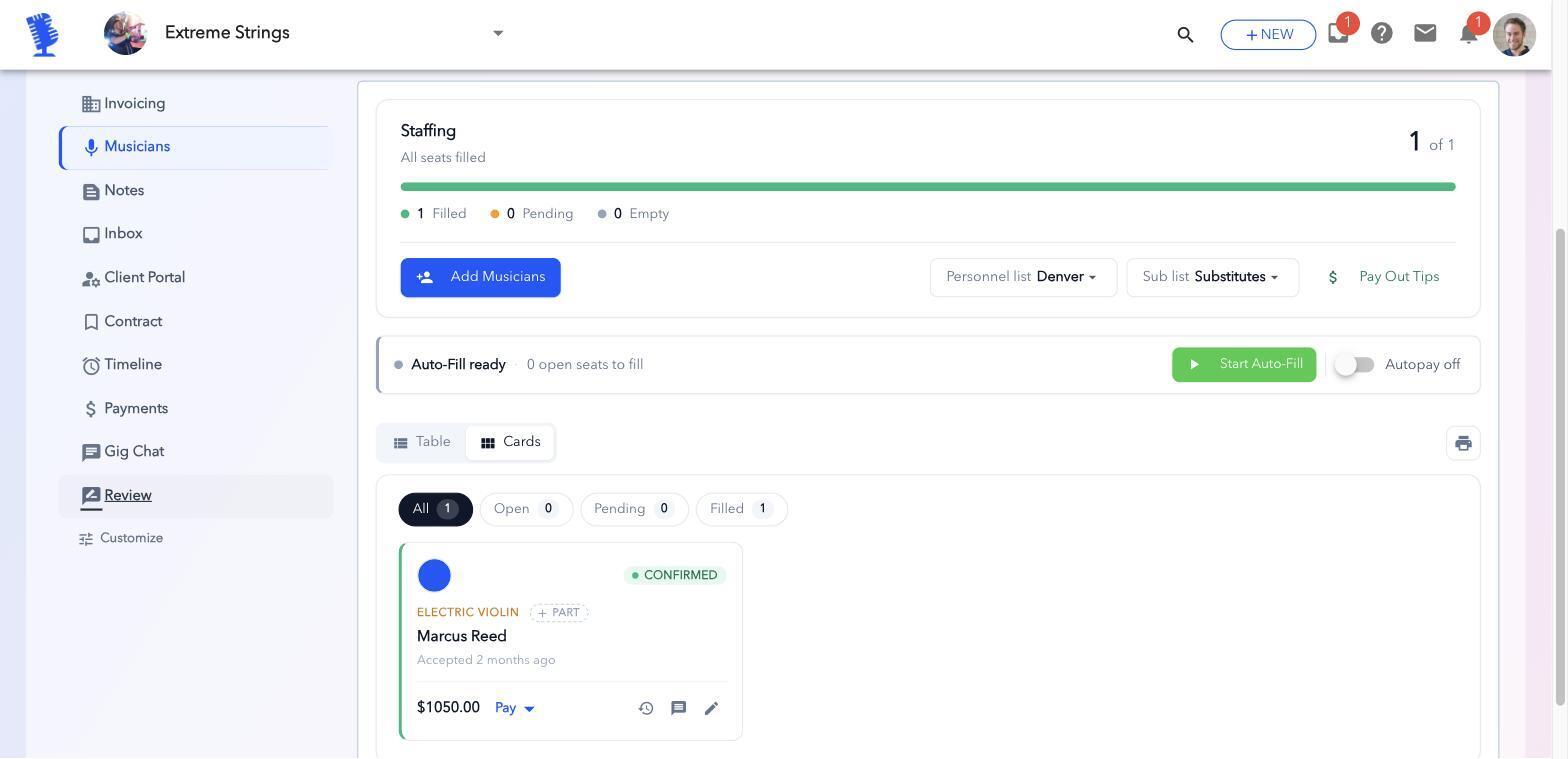
- Ranked rosters, deadlines and Auto-Fill. Seats fill from your list without the back-and-forth.
- The Substitute button. Last-minute seats go to all your available subs at once.
- Set lists in Upbeat. Staffed players get the music on their music stand.
- Player pay. Track what each player is owed per gig.
- Free for your musicians. Only the bandleader pays.
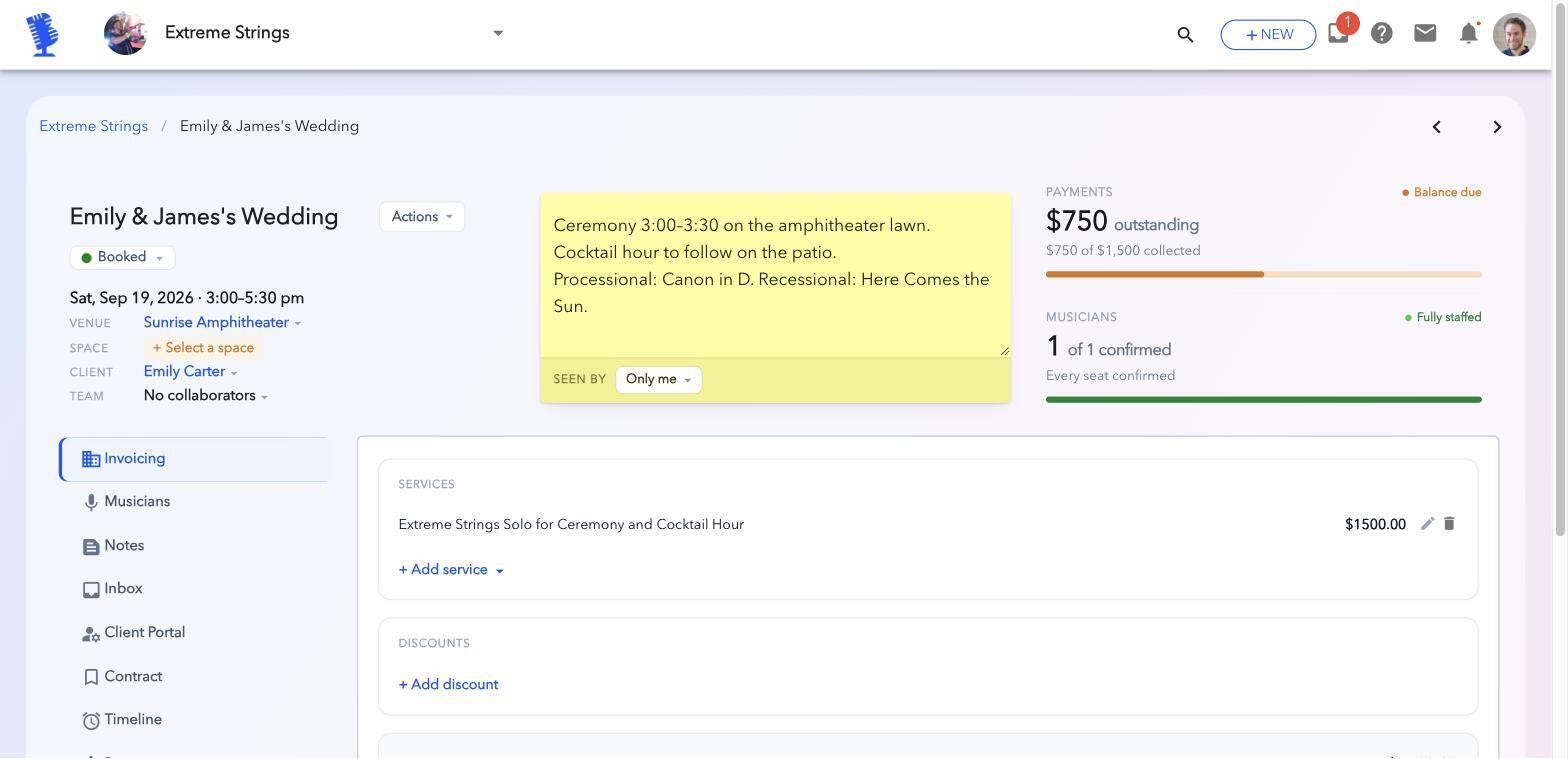
Your musicians use BookLive for free. Only the bandleader pays.
Frequently asked questions
Is a group text good enough to schedule a band?
For one band with steady players and a gig or two a month, often yes. Once you use subs or play more often, answers get buried and you spend hours chasing replies.
Can I use Google Sheets to schedule my band?
Yes, for keeping a record. But a spreadsheet doesn't ask players, follow up or move to the next sub; you still do that by hand.
What's the best app to schedule band members?
Look for ranked rosters, reply deadlines, automatic sub requests, blackout dates, set lists on the gig and player pay, all free for the musicians you hire.
Staff your next gig in BookLive
The quickest way to see if this works for your band is to staff one real gig. Add your players, rank them, create your next gig and turn on Auto-Fill.
Your musicians never pay.