The short answer
Send your band one gig sheet with everything on it: call time, load-in and parking, address, dress code, the on-site contact, the event timeline, the set list, and the charts and backing tracks. Keep it in one place that you update, rather than new messages, so every player always sees the current version.
Do this once the lineup is confirmed. It's the last step of a solid band scheduling system.
What every gig sheet should include
- When: call time, load-in time, start and end, and breaks.
- Where: the address, which entrance to use, and parking.
- Who: the on-site contact's name and phone number, and the lineup.
- What to wear: the dress code, in plain words.
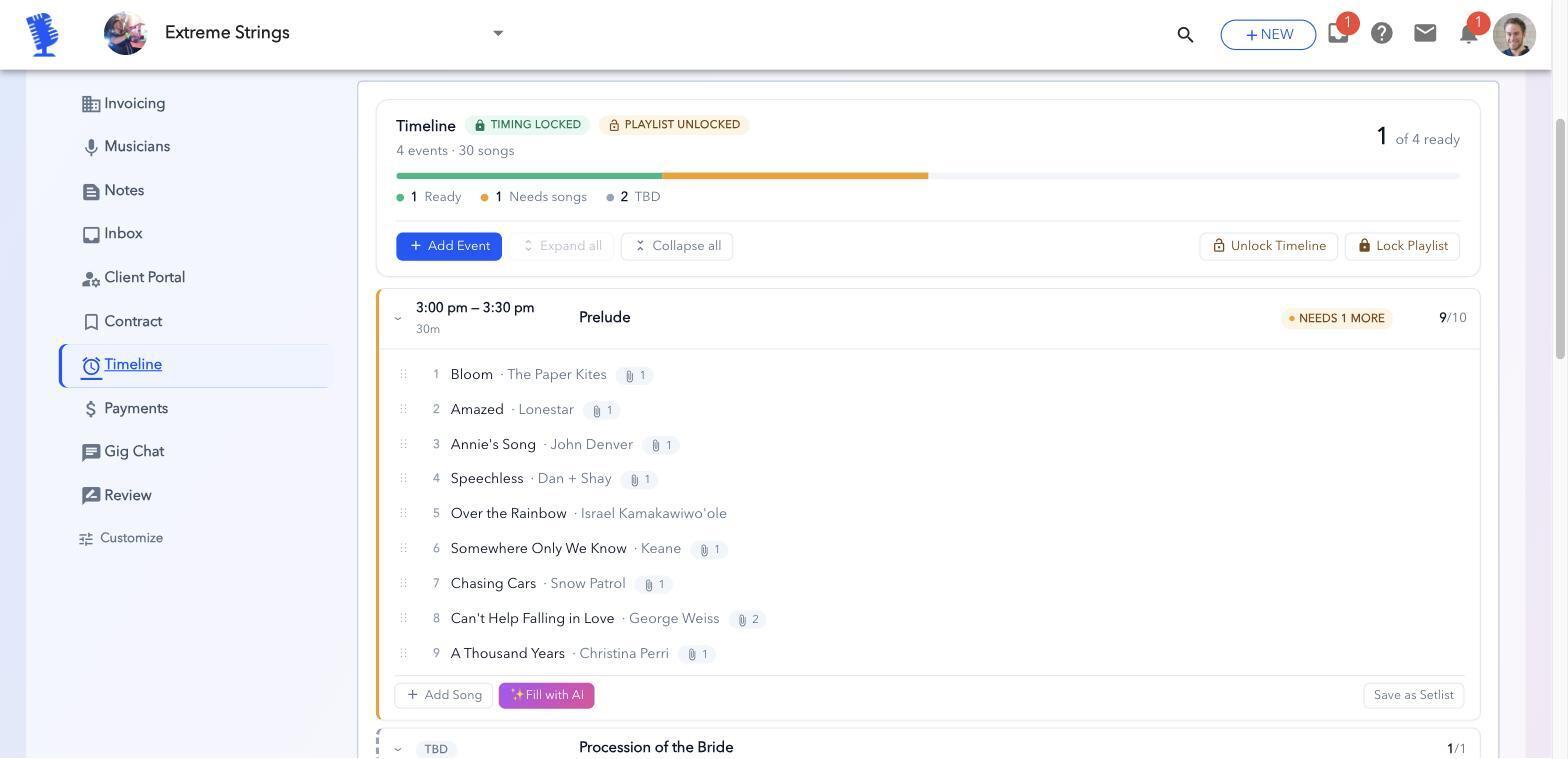
- The timeline: what happens when, like the ceremony, cocktail hour, dinner and dancing.
- The music: the set list for each part of the event, plus charts and backing tracks.
- Special requests: first dance, processional, songs to skip.
- Pay: the amount and when players get paid.
When to send it
Send the gig sheet as soon as the lineup is confirmed, then send a short reminder a few days before the gig that points back to it. If anything changes, update the sheet and tell everyone it changed. Don't send a new version that competes with the old one.
Getting set lists and charts to players
Players need the music in the order they'll play it, in a format they can use on the gig. Share one set list per part of the event, attach the charts for each player's part, and include backing tracks where you use them. Subs especially need the music early, so they can say yes with confidence and arrive prepared.
How BookLive helps
- One gig page. Times, location, notes and the lineup live on the gig, not in a text thread.
- Timelines with set lists. Build each part of the event, like the prelude, processional and cocktail hour, with its own songs.
- Music that loads itself. When a player is staffed, the sheet music and backing tracks for that gig load into the Upbeat music-stand app.
- Gig Chat. Message the whole lineup in one thread when something changes.
- Client planning forms. Collect the client's details and song requests, so they end up on the gig instead of in your inbox.
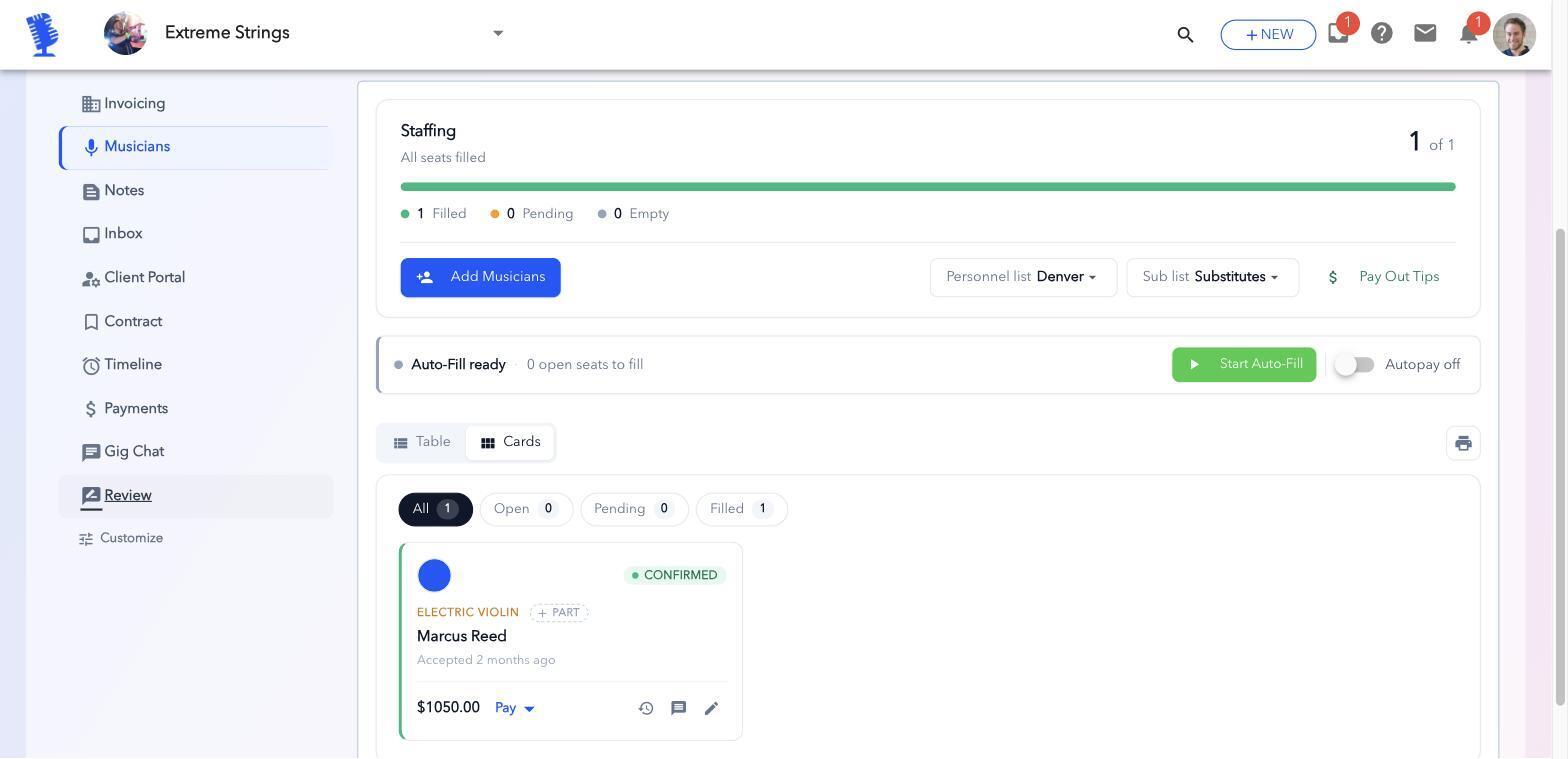
Your musicians use BookLive for free. Only the bandleader pays.
Frequently asked questions
What should I send my band before a gig?
One gig sheet with the call time, load-in and parking, address, dress code, on-site contact, timeline, set list, charts, backing tracks and pay.
When should I send gig details to musicians?
As soon as the lineup is confirmed, with a short reminder a few days before the gig.
How do I share set lists with my band?
Share one set list per part of the event, with the charts for each player's part and any backing tracks, in one place you keep up to date.
Staff your next gig in BookLive
The quickest way to see if this works for your band is to staff one real gig. Add your players, rank them, create your next gig and turn on Auto-Fill.
Your musicians never pay.